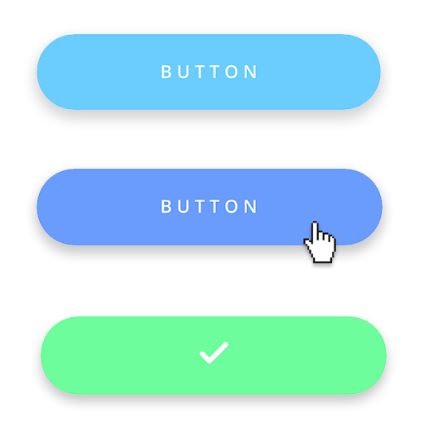
Interactive design is where the interface provides a fun and dynamic experience. This is where the website or platform engages by responding to movements or actions made by the user. An example of this is siri on the Iphone, this is interactive as the system is designed to respond to certain needs and words voiced by users. Interactive Elements are put in place to make tasks easier and more interesting so users do not get bored. Other examples could be
- Buttons - Videos - Hover buttons on websites - Loading Screens (old google connection page with a dinosaur game whilst waiting) - SVGs
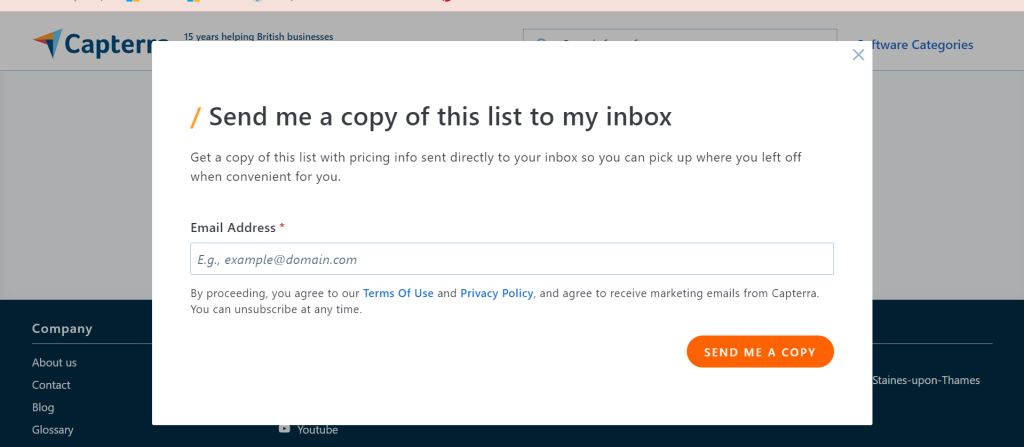
Example of interractive design, website offering to send work to your email inbox
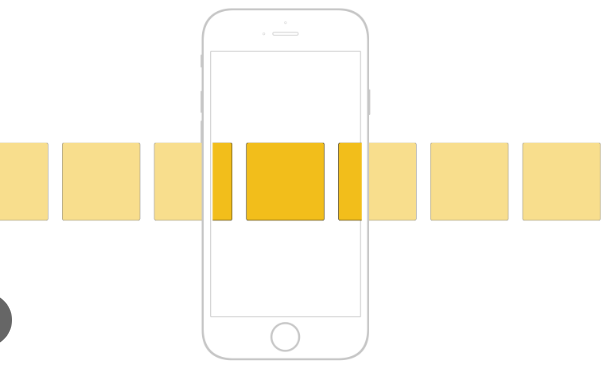
Horizontal Scrolling Sections
I wish to add Horizontal scrolling sections to my website as it would work successfully alongside a card layout, this will increase interactivity for the user and will ensure a clear and fun way for users to scroll through past Freedom Festival photography.
Buttons
Another aim of mine for the website I will create is interactive hover buttons, I want the user experience to feel fun and as though their needs are met through the easy use of the system.